Small Screen Reading or Big Screen Notes? Kindle Paperwhite 16GB vs Scribe 32GB in Daily Use
By
Published on 05/29/26
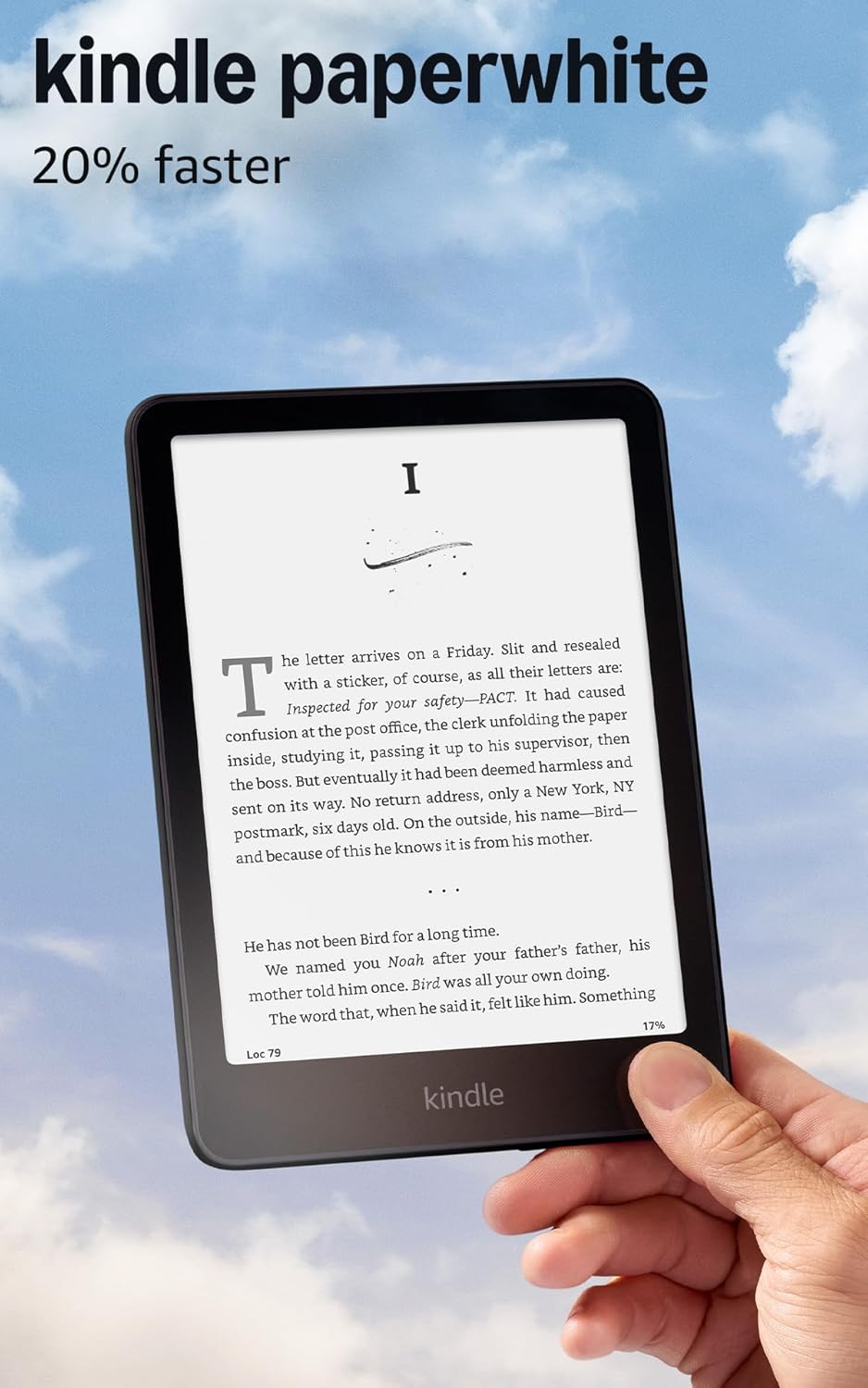
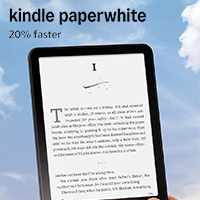
Reading on a phone sounds convenient, but small distractions can ruin the experience fast. You finally get a few pages into a book, and then messages, short videos, emails, and app notifications start pulling you away. That is where a Kindle starts to make sense. It gives reading a quieter space, away from the constant noise of daily digital life. But when it is time to choose, the real question is simple: do you want a portable reader, or a larger screen for notes and documents? Kindle Paperwhite 16GB feels like a light e-reader you can pick up anytime and take almost anywhere. Kindle Scribe 32GB feels more like a digital notebook and reading device in one. So instead of comparing specs alone, it makes more sense to look at how each one fits real habits: reading before bed, carrying it on a commute, reviewing PDFs, taking meeting notes, or writing while you read.
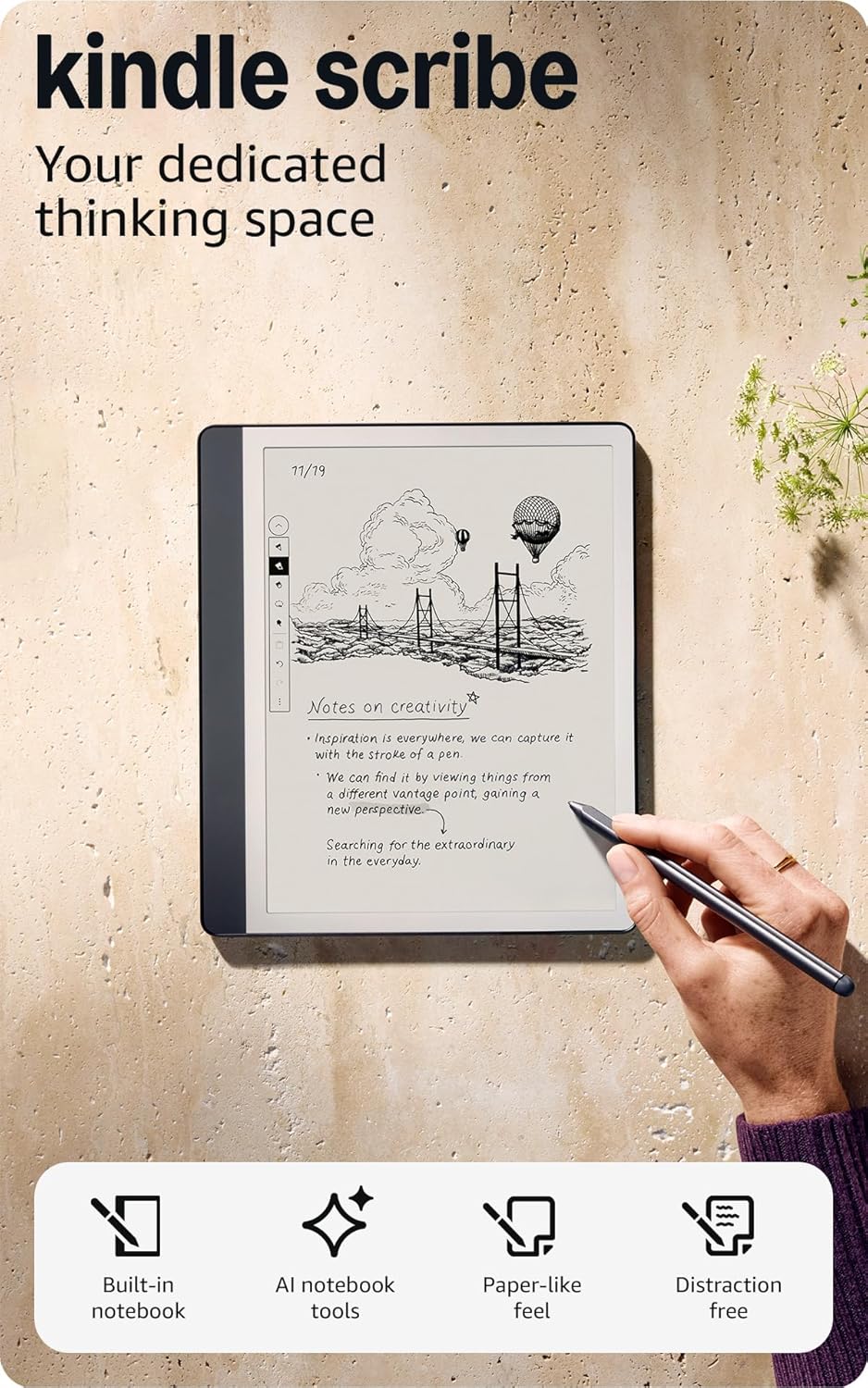
For most people who simply want a better way to read, Kindle Paperwhite 16GB is the easier pick. Its 7-inch glare-free display finds a comfortable balance between sharp text and easy handling. It does not pull your attention away like a phone, and it does not feel as tiring to hold as a larger device. The faster performance makes page turns and library browsing feel smoother, while up to 12 weeks of battery life means you do not have to charge it often. Add IPX8 waterproofing, and it becomes a strong fit for bedtime reading, commuting, travel, poolside reading, or reading near the bath. Paperwhite has fewer advanced tools than Scribe, but it has a lower upfront cost, feels easier to buy, and works better for users who mainly want a pure reading experience. Kindle Scribe 32GB, on the other hand, feels more like a large-screen reader and digital notebook in one. Its 10.2-inch glare-free screen is better suited for PDFs, textbooks, reports, and long documents. The included Premium Pen does not need charging or pairing, so you can start taking reading notes, meeting notes, or everyday notes right away. Active Canvas lets you write thoughts inside books while keeping the reading context. The AI notebook tools are also useful if your notes tend to get messy. They can summarize notebook pages, refine handwritten text, and help turn scattered ideas into something easier to review. Scribe sits in a much higher price range, but the extra cost is not just for a larger screen. It gives you a fuller reading-and-writing setup: you can read, mark up documents, organize notes, and use AI tools to clean up scattered ideas in one device. For people who study often, attend meetings, read PDFs, or organize knowledge, Scribe’s value is much easier to see.
|
Feature |
Kindle Paperwhite 16GB |
Kindle Scribe 32GB |
|
Main strengths |
Lightweight, waterproof, long battery life, lower upfront cost |
Large display, handwriting, document markup, AI note tools |
|
Display |
7" glare-free display, 300 ppi |
10.2" glare-free display, 300 ppi |
|
Portability |
About 7.4 oz, better for one-handed reading and carrying around |
About 15.3 oz, better for a desk, lap, or longer reading sessions |
|
Best content fit |
Novels, nonfiction, everyday reading |
PDFs, textbooks, reports, reading notes, meeting notes |
|
Notes and AI features |
No built-in AI notebook tools, focused on pure reading |
Premium Pen, Active Canvas, document markup, AI note summarization and handwriting refinement |
The easier way to choose is to think about how you read most often. If you care more about light weight, waterproofing, long battery life, and a lower upfront cost, Paperwhite is a better fit for novels, commuting, travel, and relaxed bedtime reading. It lets you pick it up, read, and put it down without changing the way you read. If you need a larger screen, handwritten notes, PDF markup, Active Canvas, and AI note organization, Scribe is better suited for studying, meetings, document review, and readers who like to write while they read.
Explore More From Related Articles